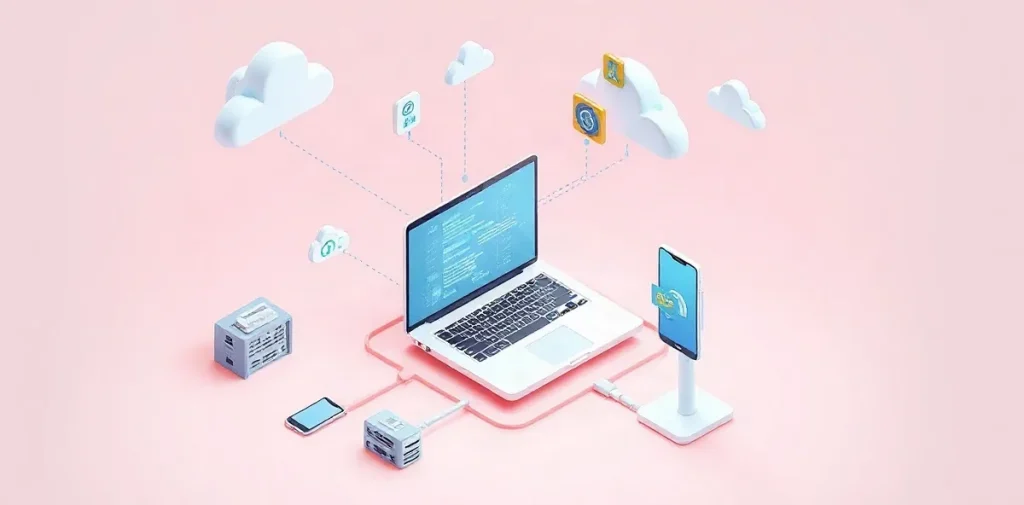
Introduction: Why Cloud Software Is Essential in 2026
Cloud software in 2026 has become an integral part of the digital infrastructure for both businesses and private users. It allows access to applications and data over the internet without requiring local installation. The main advantages—high flexibility and scalability—make cloud solutions appealing to companies of all sizes. However, their use also involves drawbacks, such as dependence on a stable internet connection and security concerns.
Advantages of Cloud Software
The primary benefit of cloud software is the ability to scale resources according to current needs. For example, Microsoft Azure enables increasing computing power within minutes, which is especially important for startups and fast-growing companies. Additionally, cloud solutions save costs on equipment: renting virtual servers usually costs from 500 to 10,000 rubles per month, which is significantly cheaper than purchasing and maintaining your own data centers.
Key Advantages
- Flexible access: reach data and applications from anywhere in the world via the internet.
- Scalability: resources can be quickly increased or decreased based on load.
- Cost reduction: no need to purchase and maintain physical hardware.
- Automatic updates: providers ensure regular software updates and support.
- Integration with modern technologies, including AI and analytics.
Disadvantages and Risks of Using Cloud Solutions
Despite clear benefits, cloud software has several limitations. First and foremost is the dependence on internet quality: without a stable connection, accessing services can be difficult or impossible. Secondly, security issues remain relevant: data is stored on provider servers, and although major companies like Amazon Web Services invest heavily in protection, the risk of data leakage persists.
Main Drawbacks
- Requirement for constant internet connectivity.
- Potential privacy and data security issues.
- Limited control over infrastructure and service settings.
- Possible hidden costs when using additional features.
Cloud Software vs. Traditional Software: A Comparative Analysis
Let’s compare cloud solutions and traditional software by key parameters to understand in which situations one or the other is more advantageous.
| Parameter | Cloud Software | Traditional Software |
|---|---|---|
| Implementation Cost | From 500 ₽ per month for server rental | From 50,000 ₽ for licenses and equipment |
| Scalability | High, resources change instantly | Limited by physical hardware |
| Availability | From anywhere with internet | Limited to local access |
| Updates | Automatic and regular | Performed manually, irregularly |
| Data Control | Partial—depends on provider | Full control within the company |
Main Areas of Application for Cloud Software in 2026
Cloud software is widely in demand across various industries. In business, it is used for process management, data storage, and application development. For example, in banking, cloud platforms speed up launching new services, while in education, they enable remote learning and access to educational materials.
Examples of Use
- Corporate solutions: CRM and ERP systems like SAP Cloud Platform.
- Software development: cloud IDEs and CI/CD platforms such as GitHub Codespaces.
- Data storage: services like Google Cloud Storage for backups.
- Education: remote learning platforms like Moodle Cloud.
- Media and entertainment: streaming services based on cloud computing.
How to Choose Cloud Software for Your Needs
Selecting cloud software depends on specific business or user requirements. It is important to consider these criteria:
- Cloud type: public, private, or hybrid. For instance, a large bank may prefer a private cloud due to heightened security needs.
- Cost: pricing should account not only for basic rental but also additional services.
- Compatibility with existing infrastructure and software.
- Level of support and SLA (service level agreement) from the provider.
- Security: compliance with standards such as ISO/IEC 27001.
Frequently Asked Questions
What to do if there is no stable internet?
Can data security in the cloud be fully trusted?
How much does switching to cloud software cost for a small business?
What cloud models exist?
Key Takeaways
- Cloud software offers flexibility and scalability while reducing capital expenditures.
- Dependence on the internet and security issues require careful provider selection.
- Comparison with traditional software shows cloud advantages in availability and updates.
- Different cloud types fit various business models and needs.
- In 2026, cloud technologies are widely used in business, education, and development.
Conclusion
Cloud software in 2026 is a powerful tool for optimizing workflows and accelerating digital transformation. Its advantages in flexibility and accessibility make the cloud the preferred choice for many companies and users. Nevertheless, it is important to consider potential risks related to security and infrastructure dependency. Choosing the right cloud model and provider will allow you to make the most of modern technologies across a wide range of fields.
Sources
- zerobit.ru — “Cloud Technologies: Advantages and Disadvantages for Businesses and Private Users”
- CyberProtect Company Blog — “Cloud Technologies Explained Simply: Types and Areas of Application”
- cyberleninka.ru — “Advantages and Disadvantages of Using Cloud Technologies”
- practicum.yandex.ru — “Cloud Technologies: What They Are, Types, Capabilities — Areas of Application and Cloud Technology Development”
- azure.microsoft.com — “Types of Cloud Computing — Microsoft Azure”